
You can add a destination block without it being shown as a separate travel day.
How?
-
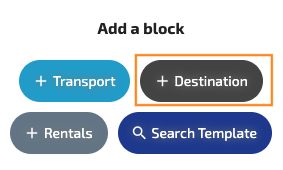
Add a destination block.
-
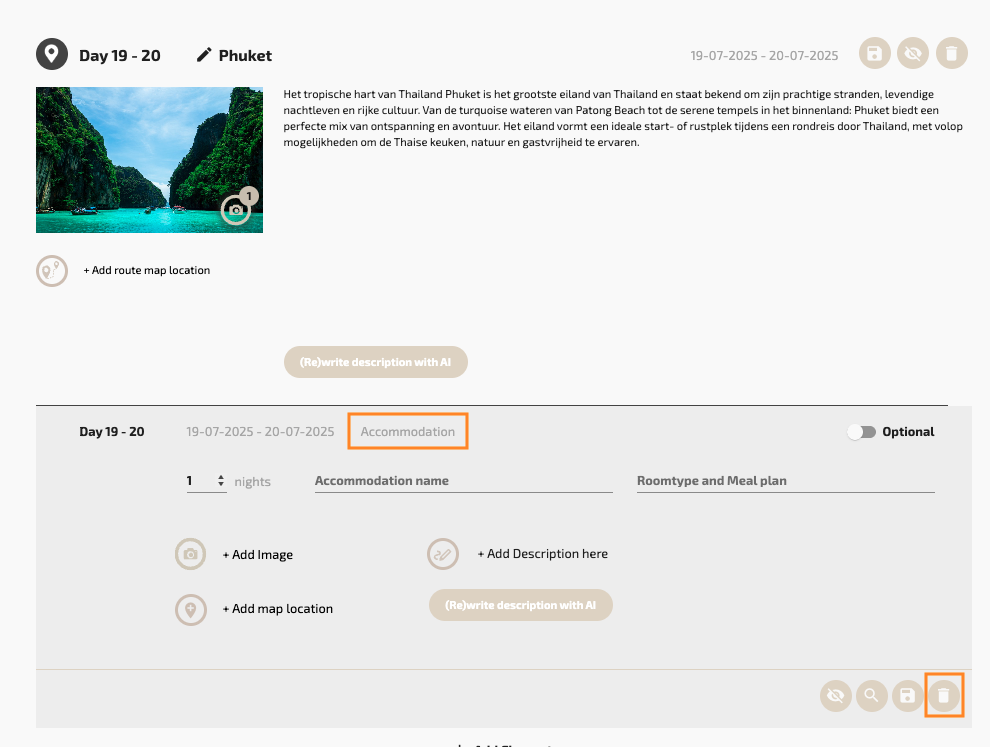
Remove the accomodation element.
-
You now have a block that can be used as an introduction to, for example, a country.
This block is intended as an introduction and is not counted when calculating the number of days in the travel itinerary. Although it may appear during input as if a day number is added, this is not displayed in the output. The result is a clearer separation between general information about a destination and the day-by-day travel planning.
Result Output
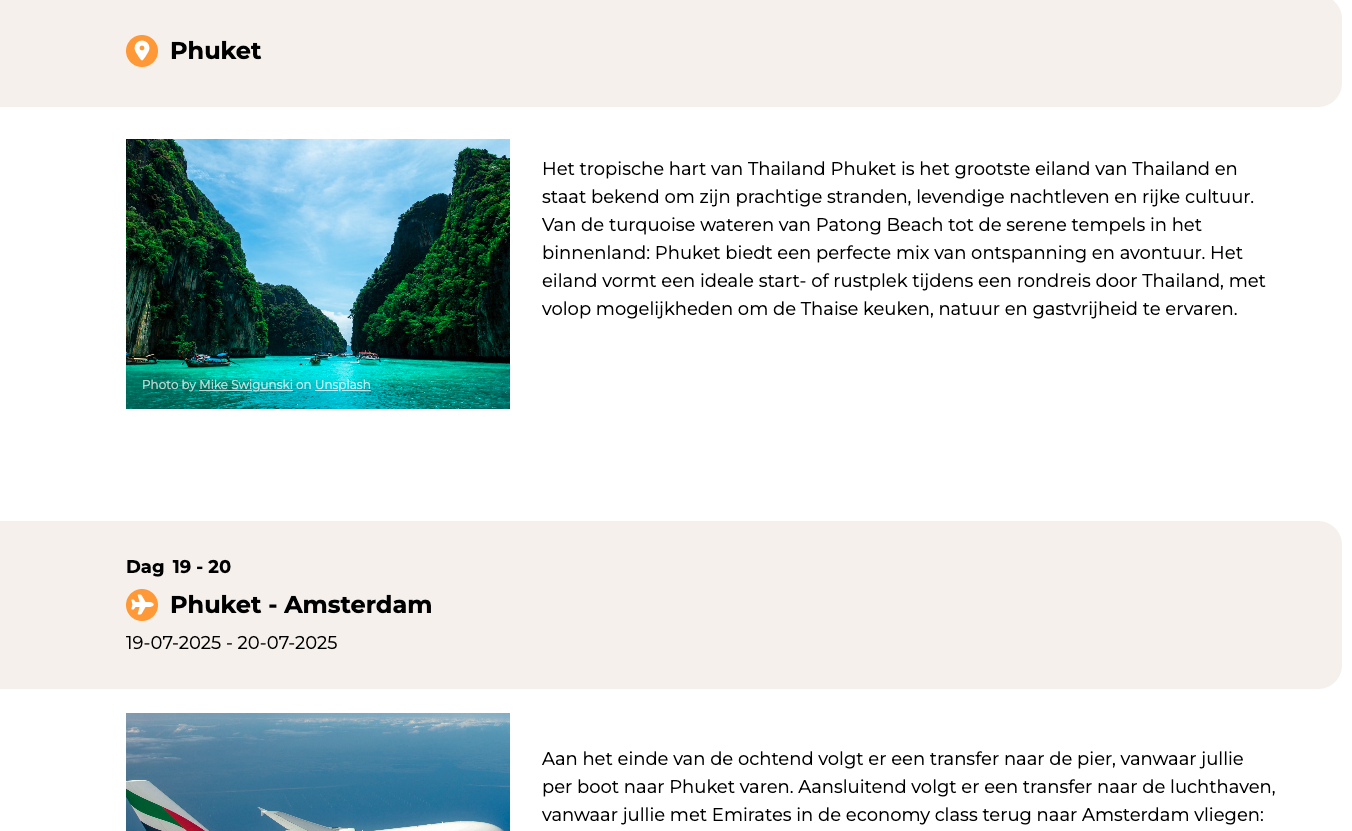
This is how the introduction appears in the output, and as you can see, it doesn’t count as a travel day.
Note: Want to add (optional) excursions or activities without tying them to a specific day?
Read: How to offer (optional) excursions without linking them to a specific day.