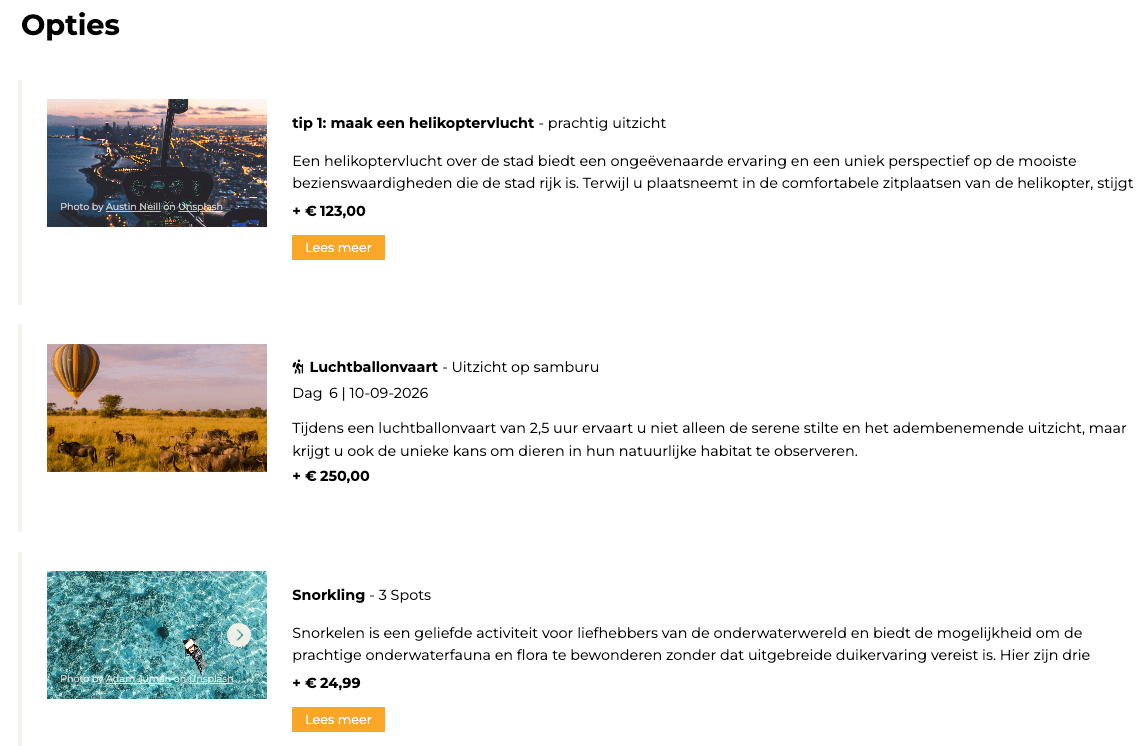
Note: This setup works in a destination block without accommodation. If you want to learn how to create such a block, see: How to add an introduction to a destination without adding an extra travel day.
How it works
- Add a Destination Block
- Remove the Accomodation Element
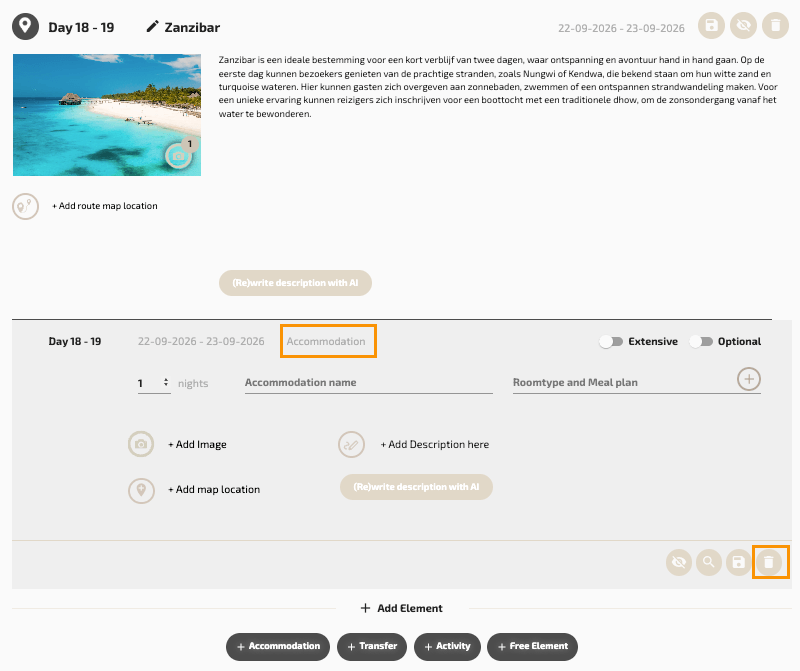
- Add one or more Free Elements
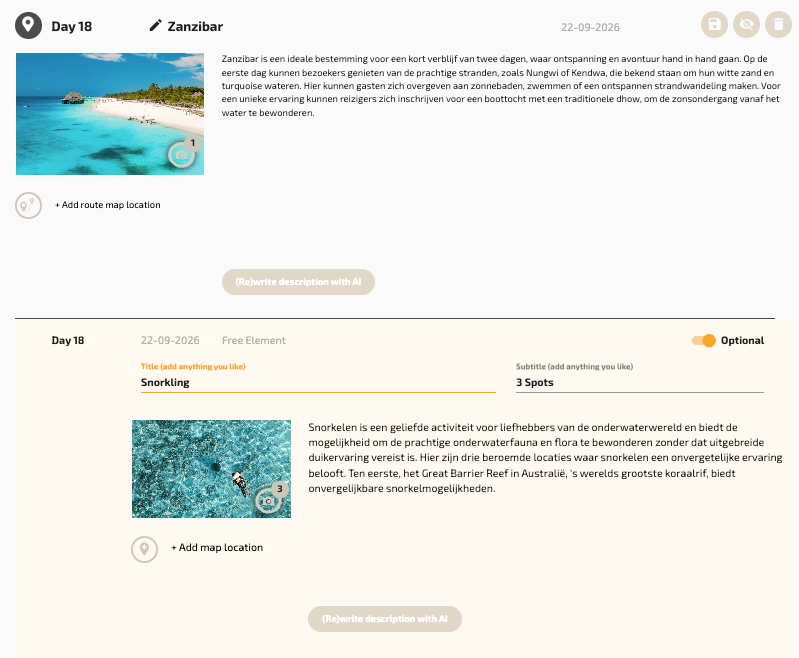
These Free elements are displayed independently and are not linked to a specific day in the itinerary. For each Free element, you can choose whether it is Included in the trip or Optional
When you mark a Free element as optional, you can assign a price to it (see step 3 in VTB).
Results output
In the final output, these excursions or activities appear as part of the destination information, without being attached to a specific travel day.
This keeps the itinerary clear while still allowing you to showcase optional and included experiences.
Example look
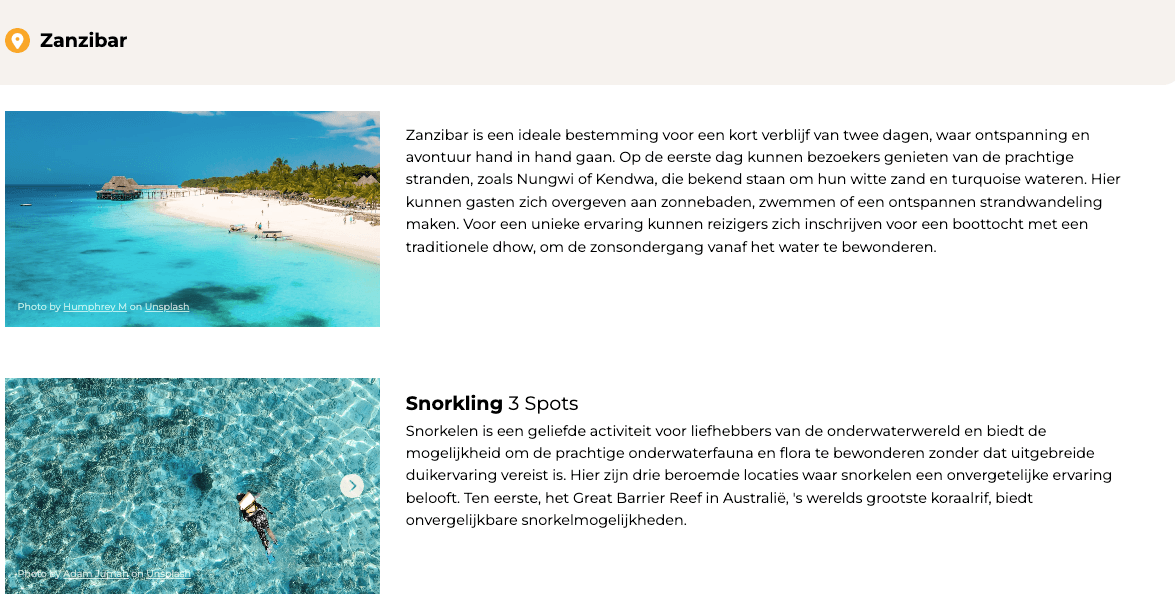
Example look + Optional