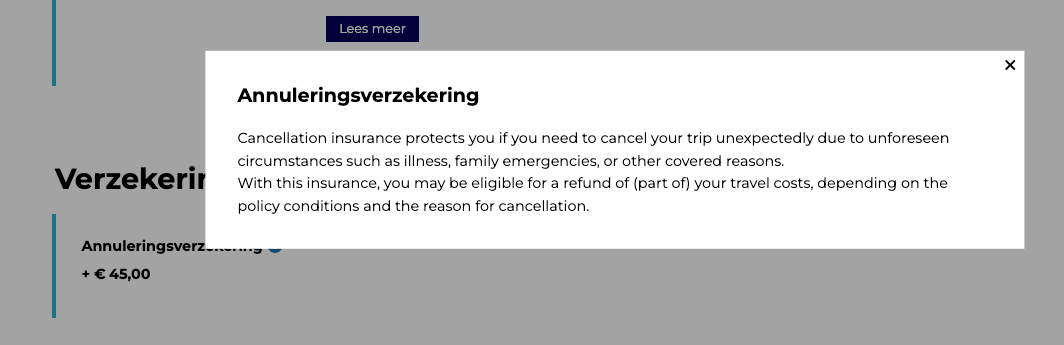
In Step 3, you can add extra information for each option under Insurance and Extras. This allows you to provide more context about the selected insurance products.
How to add this information?
1. Click the plus (+) icon next to the relevant insurance or extra option
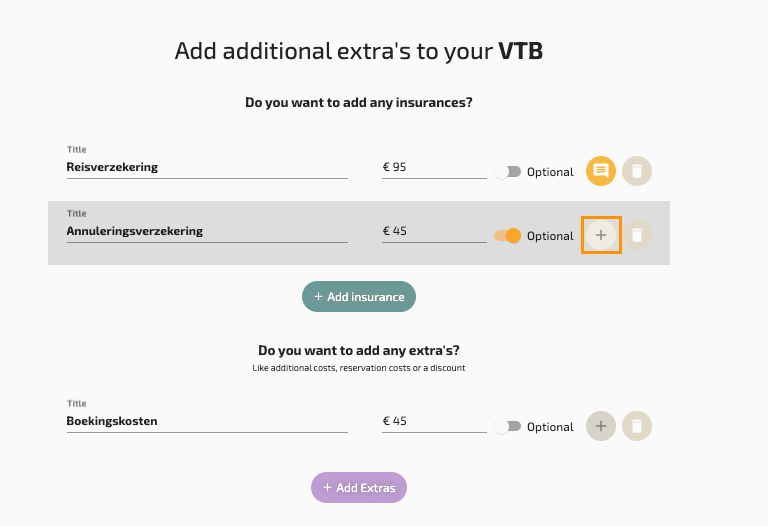
2. Enter and save the additional text you want to display
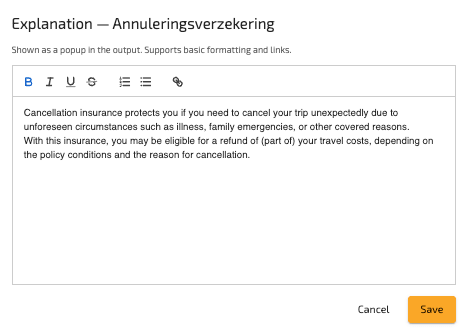
3. Optionally add links for more detailed information
How does it appear in the output?
In the final output, this information is shown as a clickable info icon next to the selected insurance or extras.

When the user clicks it:
– A popup is displayed
– The additional information is shown
– The user can close the popup