The Transport options allows you to add transportation segments to your itinerary. For the transport types Flight, Bus, Train and Boat, you can enter detailed information.
How it works?
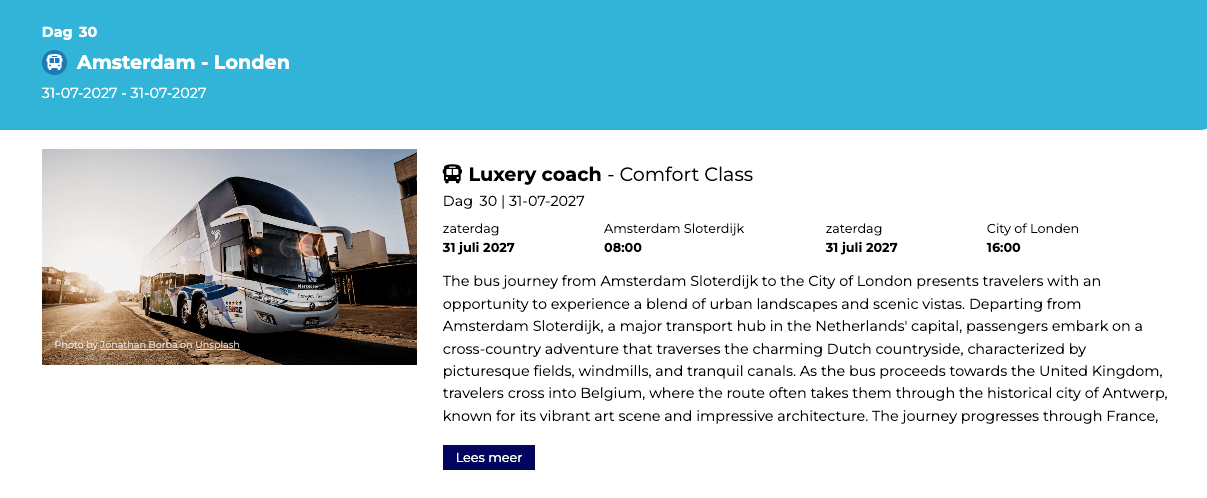
1. Go to step 1, click on transport and choose one of the following typs:
– Flight
– Bus
– Train
– Boat
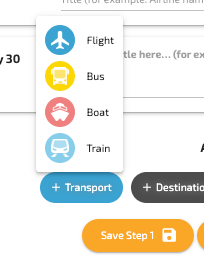
For each transport type, you can define the following details:
– Departure and arrival location
– Departure and arrival time
As with other elements, you can add a title and subtitle to provide additional context, like for example:
Title: Luxury Coach
Subtitle: Comfort Class
You can also specify whether the transport takes places as day or night transport. In the Additional field, you can include some extra information and adding an image.
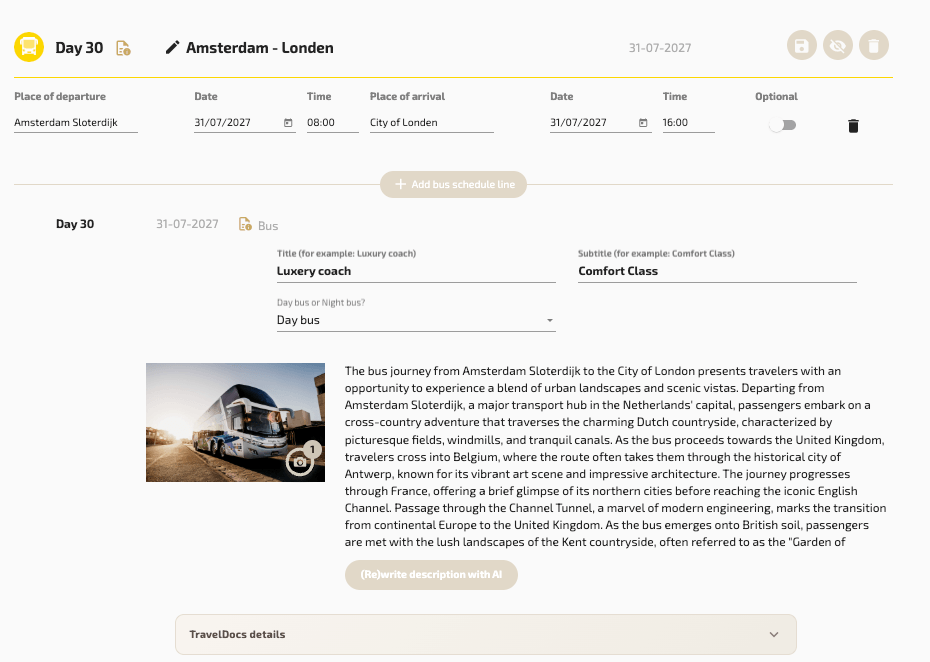
How it looks in the output