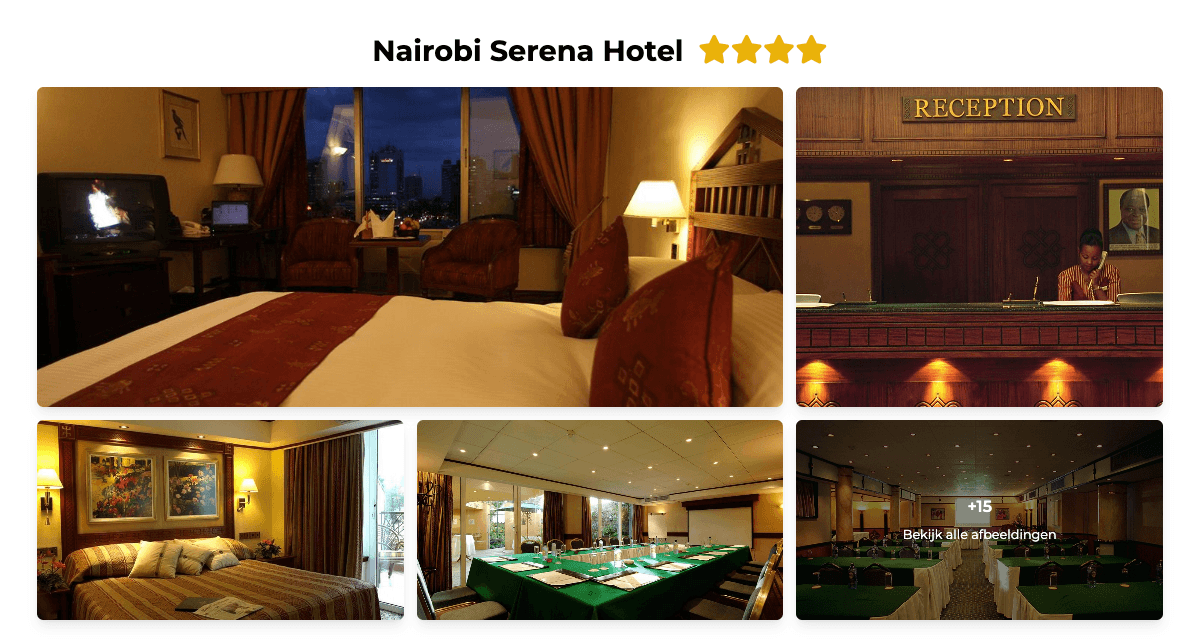
You can add a star rating to an accommodation to visually highlight its quality in the output.
How it works?
Setting a star rating is quick and easy:
1. Navigate to the accommodation you want to edit.
2. In this section, you can specify how many stars the accommodation has. Select the appropriate rating bij clicking the stars.
Note: it is also possible to assign half-star ratings. First, select the desired number of stars and then click the last selected star again to change it into a half star.

Once a star rating has been assigned, it will automatically appear in the output alongside the accommodation name. This makes the rating immediately visible and helps emphasize the accommodation’s classification.