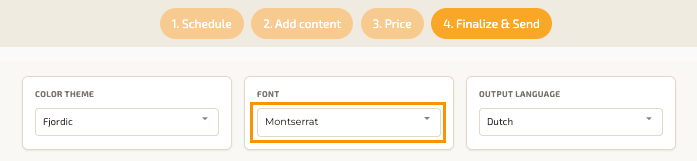
You can set your default font preferences in your profile settings. This allows you to use the same font style automatically in your proposals.
To change your font:
1. Go to the Dashboard
2. Open the menu and select My Profile
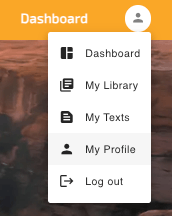
3. Scroll to Default colors & font

4. Select the font you would like to use as your default font.
Once saved, the selected font will automatically be applied to new proposals.
Note: you can still change the font in step 4 while creating a specific proposal. This allows you to use different font for individual proposals when needed.